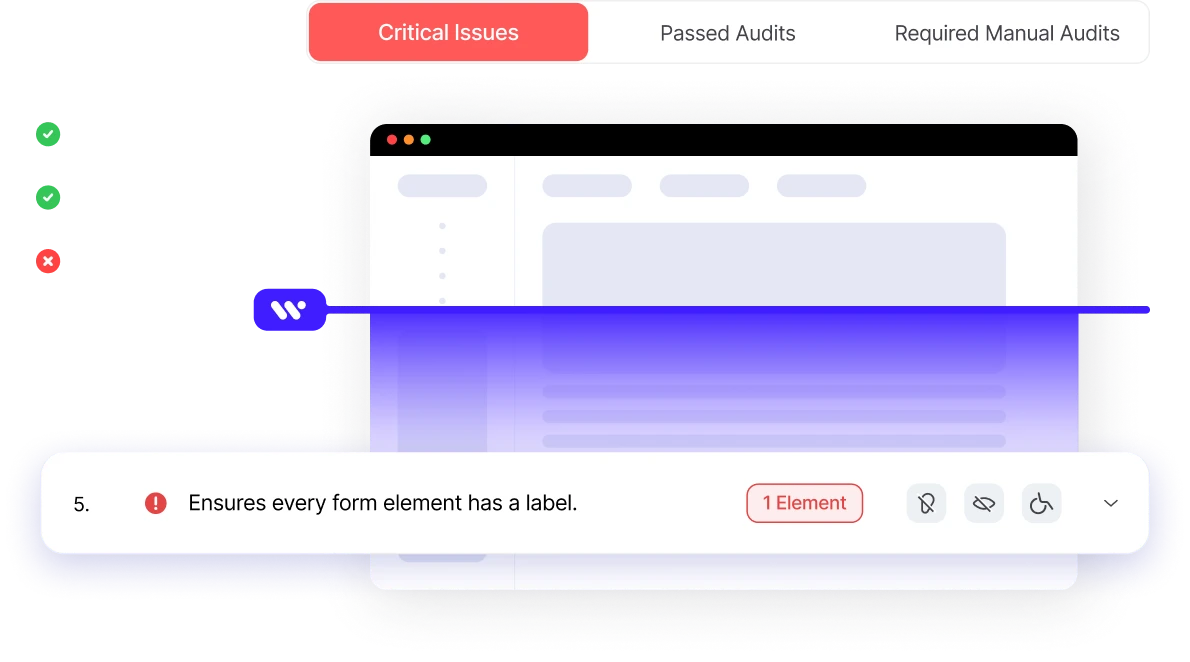
Curious about your website’s accessibility score?
Enter your website URL to get an instant accessibility analysis.
WCAG
ADA
EAA
Section 508
AODA
Need more accessibility? Let’s help
Enter your website URL to get an instant accessibility analysis.
WCAG
ADA
EAA
Section 508
AODA
A Website Accessibility Checker is an Online, Free, Automated Testing Tool that scans a Web Page to generate an accessibility Score.
The Accessibility Checker evaluates structure, content, and code automatically, assigning a measurable Score that reflects how accessible the Web Page is for users with different needs.
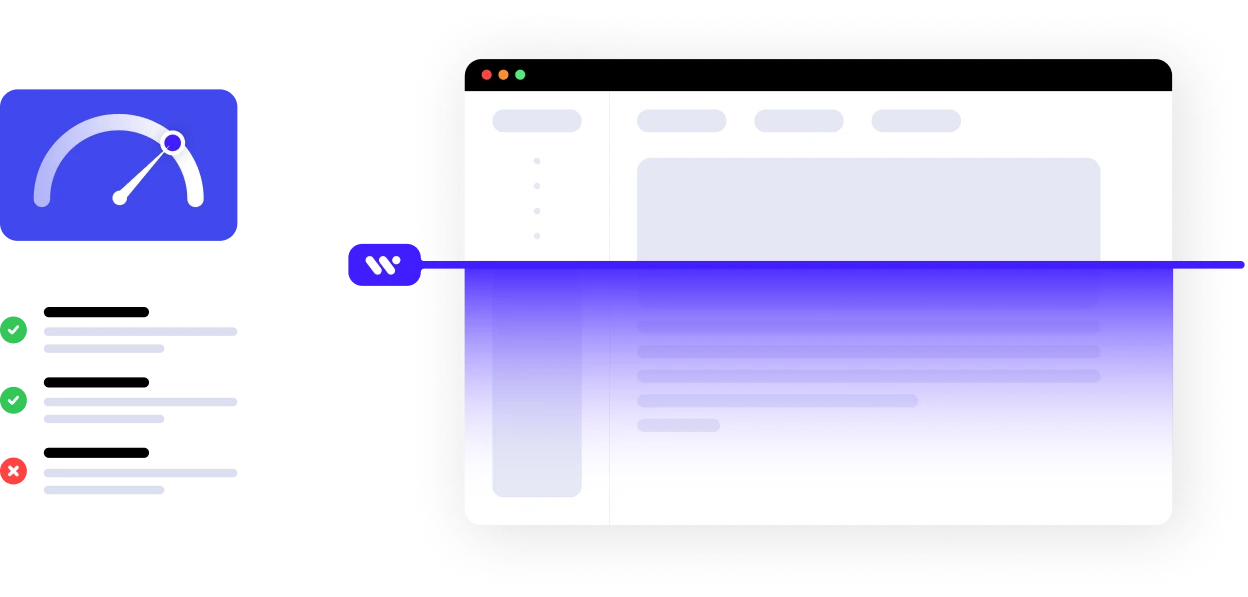
Web Accessibility means designing and developing websites so people with disabilities (including visually impaired users) can perceive, navigate, interact with, and contribute to online content without barriers. It ensures equal access by using meaningful structure, text alternatives, logical navigation, and compatibility with assistive tools like screen readers, which read aloud or translate digital content for those who cannot see the screen.
Digital Accessibility extends this inclusivity to all digital products and services — not just websites — enabling people with visual impairments and other disabilities to access information, education, healthcare, and community services through technology without exclusion. It is a human-centered practice that benefits everyone and supports assistive tech integration like screen readers, magnifiers, and alternative input devices.
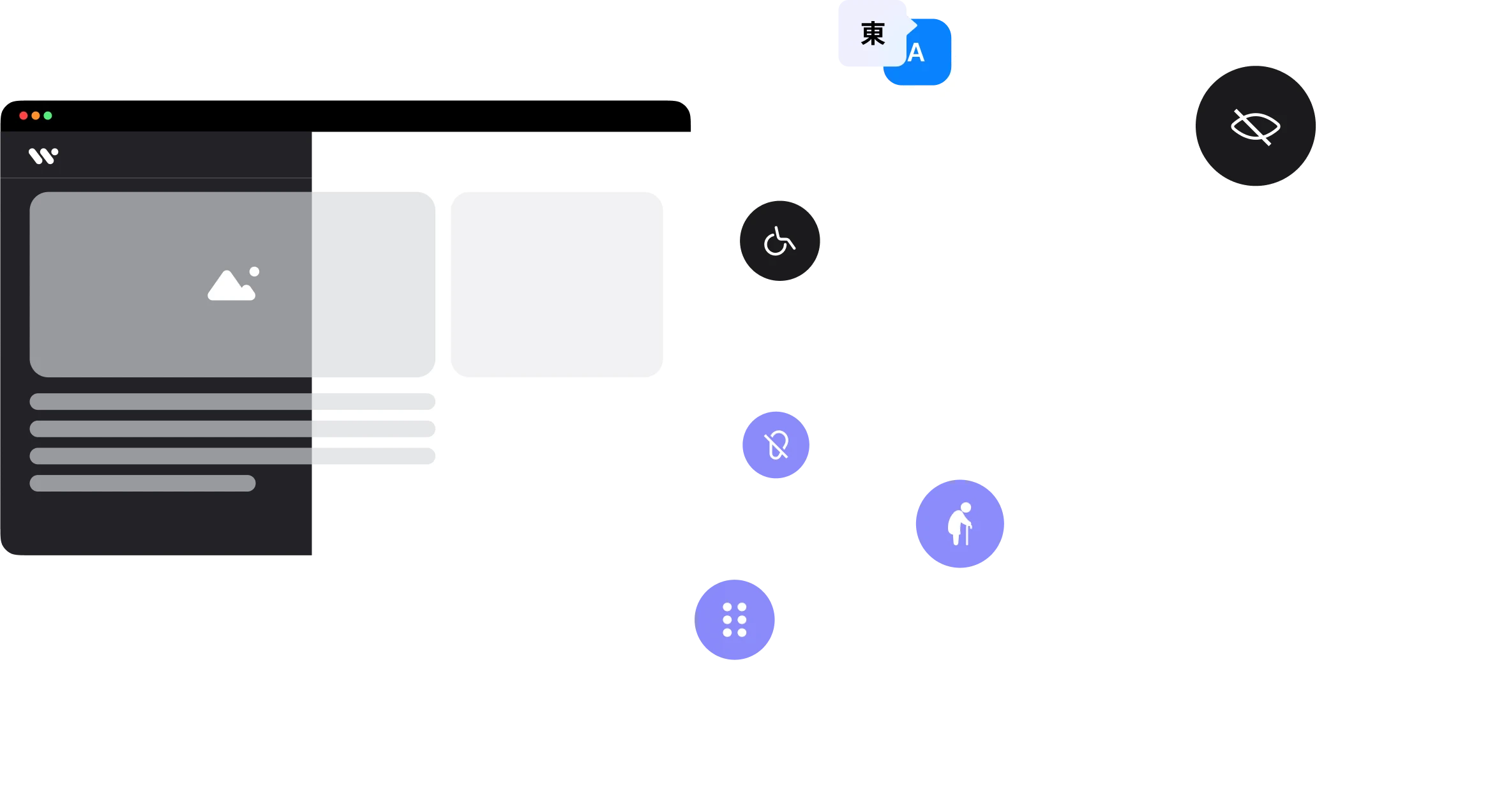
WCAG 2.2 (Web Content Accessibility Guidelines) is the core international standard that defines testable success criteria for accessible web content at levels A, AA, and AAA to help make online content usable by people with disabilities.
is a U.S. federal accessibility law requiring that federal agencies’ electronic and information technology meets accessibility standards aligned with WCAG, ensuring comparable access for people with disabilities.
is the European digital accessibility standard harmonizing accessibility requirements for ICT products and services across the EU, incorporating WCAG criteria and extending them to broader technology beyond web pages.
(Barrierefreie Informationstechnik-Verordnung) is Germany’s national accessibility regulation based on WCAG principles and mandated for public sector websites and digital services.
(Référentiel Général d’Amélioration de l’Accessibilité) is France’s official digital accessibility framework for public websites and apps, built upon WCAG guidelines to ensure inclusive access under national law.



low contrast between text and background can make content unreadable for users with visual impairments; tools highlight contrast ratios against WCAG thresholds.
missing or uninformative alt attributes on images prevent screen reader users from understanding non-text content.
non-tagged or improperly tagged PDFs are not accessible, requiring structural tagging and reading order fixes.
improper or skipped headings harm document hierarchy and screen reader navigation.
interactive elements that can’t be reached or operated by keyboard alone block users who don’t use a mouse.
missing labels or unclear error messages confuse users relying on assistive tools.
absent or incorrect language attributes hinder screen reader pronunciation.
incorrect ARIA roles or missing semantic HTML elements reduce meaningful interpretation by assistive technologies.
automated tools catch many code issues, but manual testing reveals context-specific barriers that machines miss.
After an accessibility score is generated by tools, platforms like WeAccess.ai analyze your site and provide detailed reports with actionable remediation steps that align with WCAG, ADA, and Section 508 standards, including generating alt text for images and suggesting fixes to improve overall accessibility.